Uses Guide For JUUL Device
JUUL Device Quick Start: setup steps, battery light meanings and care tips
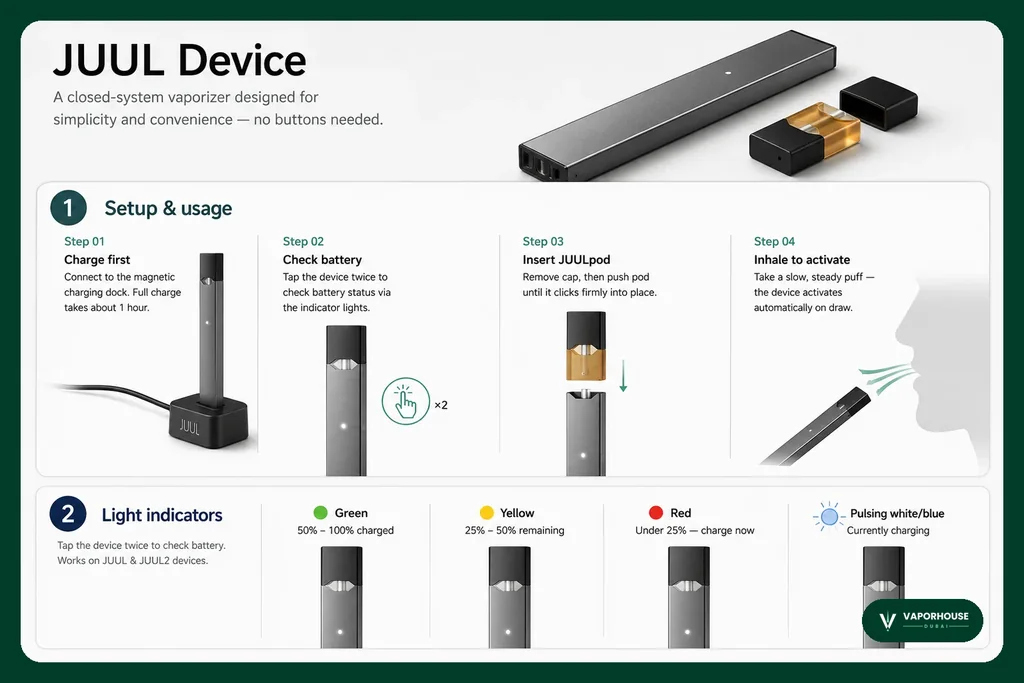
Quick Start GuideA closed-system vaporizer built to be simple and convenient, with no buttons at all.
1Setup & usage
Step 01Charge first
Place it on the magnetic charging dock. Charging fully takes roughly 1 hour.
Step 02Check battery
Double-tap the device to see the battery level on the indicator lights.
Step 03Insert JUULpod
Take off the cap and press the pod in until it clicks firmly.
Step 04Inhale to activate
Draw slowly and steadily — the device switches on by itself when you inhale.
2
Light indicators
Double-tap to view the battery. Compatible with JUUL & JUUL2 devices.
Green
50% – 100% charged
Yellow
25% – 50% remaining
Red
Under 25% — charge now
Pulsing white/blue
Currently charging
3
Maintenance & tips
Clean contacts
If the pod or charger isn't recognised, clean the contacts with a dry cotton swab.
Inhale gently
Gentle, steady draws reduce the chance of leaks or spit-back.
Replace pods
Replace the pod once the flavour fades clearly or begins to taste burnt.
Proper storage
Store it upright somewhere cool and dry, out of direct sunlight and heat.