
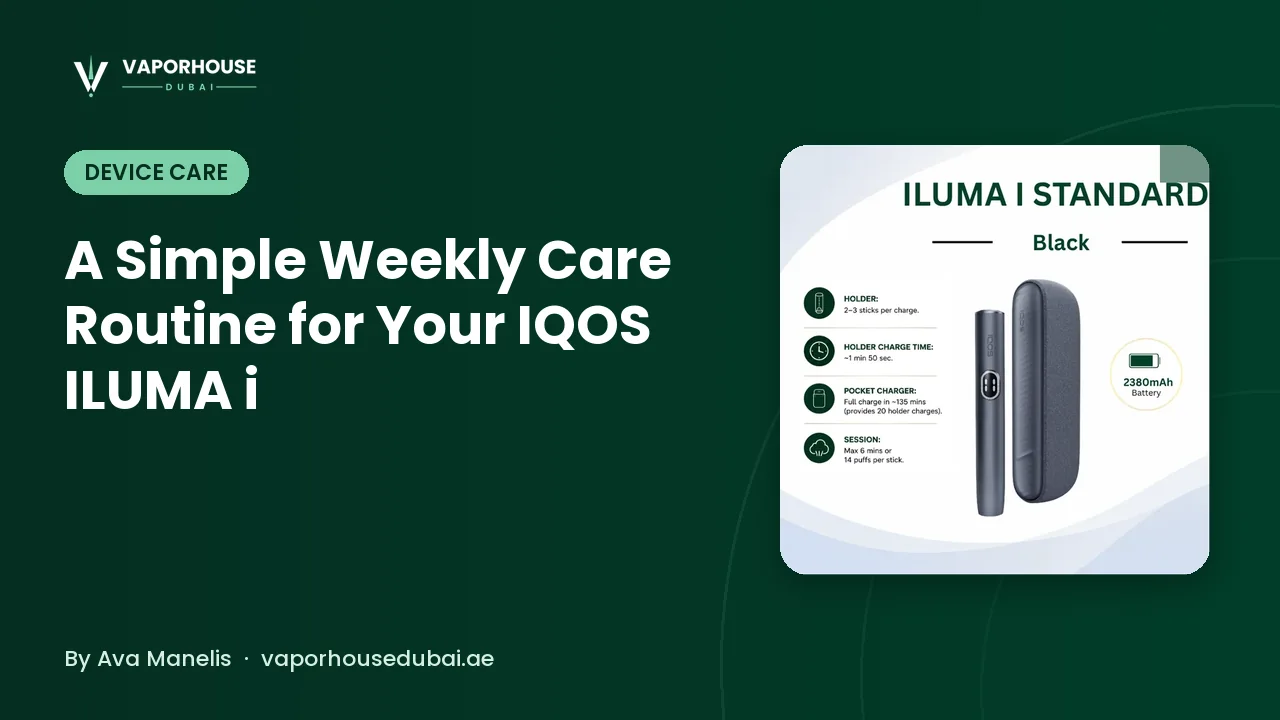
One of the nicest things about the ILUMA i generation is that there is no heating blade to snap, scrape or clean with special tools. That has led some owners to assume the device needs no attention at all. In reality, a few minutes of care each week keeps it looking smart, stops debris building up and helps the stick seat properly every time. If you have been wondering how to clean IQOS ILUMA i without overthinking it, this is the routine we recommend: simple, gentle and quick enough to do on a Friday morning with your coffee.
Why a Bladeless Device Still Benefits From Care
ILUMA i heats TEREA sticks from the inside using induction, so nothing pokes into the tobacco and leaves residue behind. That design removes the biggest cleaning chore of older devices, but daily life still leaves its mark:
- Tobacco flakes can occasionally drop from a stick into the cavity, especially if a stick is inserted at an angle or removed roughly.
- Pocket lint and dust find their way under the cap, particularly in jeans pockets, gym bags and car consoles.
- Fingerprints and skin oils build up on the casing and around the opening.
- Grime on charging contacts can make charging unreliable, which is easy to mistake for a battery problem.
None of these are dramatic, but left for months they make a device feel tired. A light weekly routine prevents that.
What You Need
You do not need a special kit. Most owners already have everything at home:
- A dry, soft, lint-free cloth (a microfibre glasses cloth is ideal).
- A few dry cotton buds.
- A clean, flat surface with good light.
- Optionally, a small soft brush that sheds no bristles.
Avoid sharp objects, metal tools, compressed air at close range and any liquids, including water, alcohol wipes and household sprays. If you prefer dedicated extras such as cases or replacement items, our TEREA and ILUMA accessories start from AED 20.
The Ten-Minute Weekly Routine
Work through these steps in order. The whole thing should take about ten minutes once you are used to it.
- Finish your session and let it cool. Never clean straight after use. Give the device a few minutes so the cavity is at room temperature.
- Remove any stick and switch off. Make sure the holder is empty and not mid-session.
- Take off the cap. Slide or lift it off gently, following the direction your model is designed for. Do not twist or force it.
- Tap out loose debris. Hold the device opening facing down over a bin and tap lightly against your palm. Most flakes will fall straight out.
- Wipe the cavity edge. Use a dry cotton bud around the rim and just inside the opening. Light pressure only; you are lifting dust, not scrubbing.
- Clean the cap. Wipe the inside and outside with the cloth, and run a cotton bud around any grooves where lint gathers.
- Wipe the casing. Polish the body, buttons and any display area with the microfibre cloth to remove fingerprints.
- Check charging contacts. Look at the port or contact points on the holder and charger. If you see dust or fluff, remove it with a dry bud or soft brush.
- Refit the cap. Make sure it clicks or sits flush. A loose cap can affect how the stick is detected.
- Test with a fresh stick. Insert a TEREA stick straight down and confirm the device starts normally.
Model-Specific Notes
All three ILUMA i lines share the bladeless heating idea, but their formats differ, which slightly changes where you focus.
ILUMA i One
The ILUMA i One series is an all-in-one unit, so there is no separate holder to slot in and out. Concentrate on the cap, the opening and the charging port, which can collect pocket fluff because the device spends so much time loose in a pocket.
ILUMA i Standard and Prime
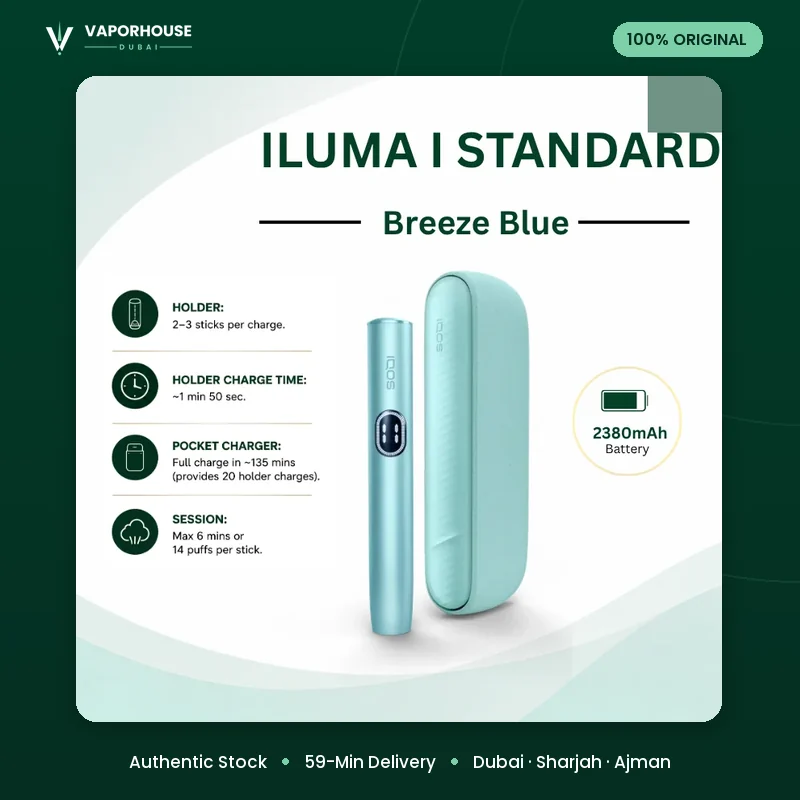
The ILUMA i Standard and ILUMA i Prime use a holder that charges inside a pocket charger. That means two sets of contact points: on the holder itself and inside the charger where it docks. Dust inside the charger slot is one of the most common reasons a holder seems to charge slowly, so give that slot a careful look each week. Prime owners may also want to wipe the outer finish to keep it looking premium.
Small Daily Habits That Make Weekly Care Easier
The less debris you let in, the less there is to remove. These habits take seconds:
- Insert sticks straight. Pushing a stick in at an angle is the main way flakes end up in the cavity.
- Remove used sticks gently. Pull upward smoothly rather than wiggling.
- Keep the cap closed when the device is in a bag or pocket.
- Use a case. A simple sleeve keeps lint and sand out, which matters if you spend weekends at the beach.
- Store sticks properly. Dry, well-kept sticks hold together better. Our guide on how to store TEREA sticks explains what works in the UAE climate.
Mistakes to Avoid
Most damage to devices comes from good intentions taken too far. Steer clear of the following:
- Liquids of any kind. Water, sanitiser and alcohol can reach electronics and contacts.
- Poking inside with hard objects. Toothpicks, pins and keys can scratch surfaces or dislodge components.
- Cleaning while charging. Always unplug first.
- Using third-party cleaning sticks made for blade devices. They were designed for a different system and are not needed for ILUMA i.
- Leaving the device in a hot car to "dry out". Heat is a bigger risk than a little dust; see our tips for keeping ILUMA i in shape through a Dubai summer.
Signs Your Device Needs More Than a Wipe
A weekly routine also doubles as a quick condition check. Pay attention if you notice any of these:
- The device does not recognise a stick even after cleaning and refitting the cap.
- Charging is slow or intermittent despite clean contacts and a known-good cable.
- The cap no longer sits flush or feels loose.
- Battery life seems noticeably shorter than it used to be. Our article on ILUMA i battery habits covers what you can do about that.
In those cases, check the official IQOS guidance or speak to the retailer you bought from. Avoid opening the device yourself.
Frequently Asked Questions
Does ILUMA i need cleaning if it has no blade?
It needs far less than older blade-based devices, but tobacco flakes, dust and pocket lint can still collect in the cap and cavity. A quick weekly wipe and visual check keeps things tidy.
Can I use water or alcohol wipes to clean ILUMA i?
Keep liquids away from the device. A dry, lint-free cloth and dry cotton buds are enough for routine care. If something is stuck, contact the manufacturer's support or the seller rather than soaking it.
How often should I clean IQOS ILUMA i?
A short check after each day of use plus a fuller ten-minute routine once a week suits most people. Heavy users or anyone who carries the device in a bag with loose items may want to check more often.
What should I do if the device shows an error after cleaning?
Make sure the cap is seated correctly and the device is dry and at room temperature, then try again. If the error persists, follow the official IQOS troubleshooting guidance or contact the retailer you bought it from.
Ten minutes a week is a small investment for a device you use every day. Wipe, tap, check the contacts and test with a fresh stick, and your ILUMA i will stay tidy and dependable. If you need a case, a replacement item or simply a fresh carton, browse the Vaporhouse Dubai shop or message our team, with delivery in about 59 minutes across Dubai, Sharjah and Ajman.