
Most people unbox a new device, insert a stick, and never look at the settings again. That works, but it also means plenty of owners never use the ILUMA i features that make the newer generation feel different from the original ILUMA. Pause Mode, FlexPuff, FlexBattery and the touchscreen are all small things on paper. In daily use, especially in a city where you are constantly stepping in and out of cars, lifts and meetings, they change how a session fits around your day.
This guide walks through each feature in plain terms, explains which models have it, and gives you practical ways to put it to work. One caveat before we start: Philip Morris updates firmware and the IQOS app from time to time, and exact behaviour can vary by model and market. Where details differ, treat your device's own menu and quick-start leaflet as the final word.
Which ILUMA i Model Do You Actually Have?
The ILUMA i range comes in three main formats, and not every feature is available on every one. Knowing yours saves a lot of confusion when a friend tells you to "just tap the screen to pause".
| Model | Format | Key points from our catalogue | Price from |
|---|---|---|---|
| ILUMA i ONE | All-in-one, no separate pocket charger | 1728 mAh battery, up to 20 sessions per charge, about 90 minutes to fully charge | AED 150 |
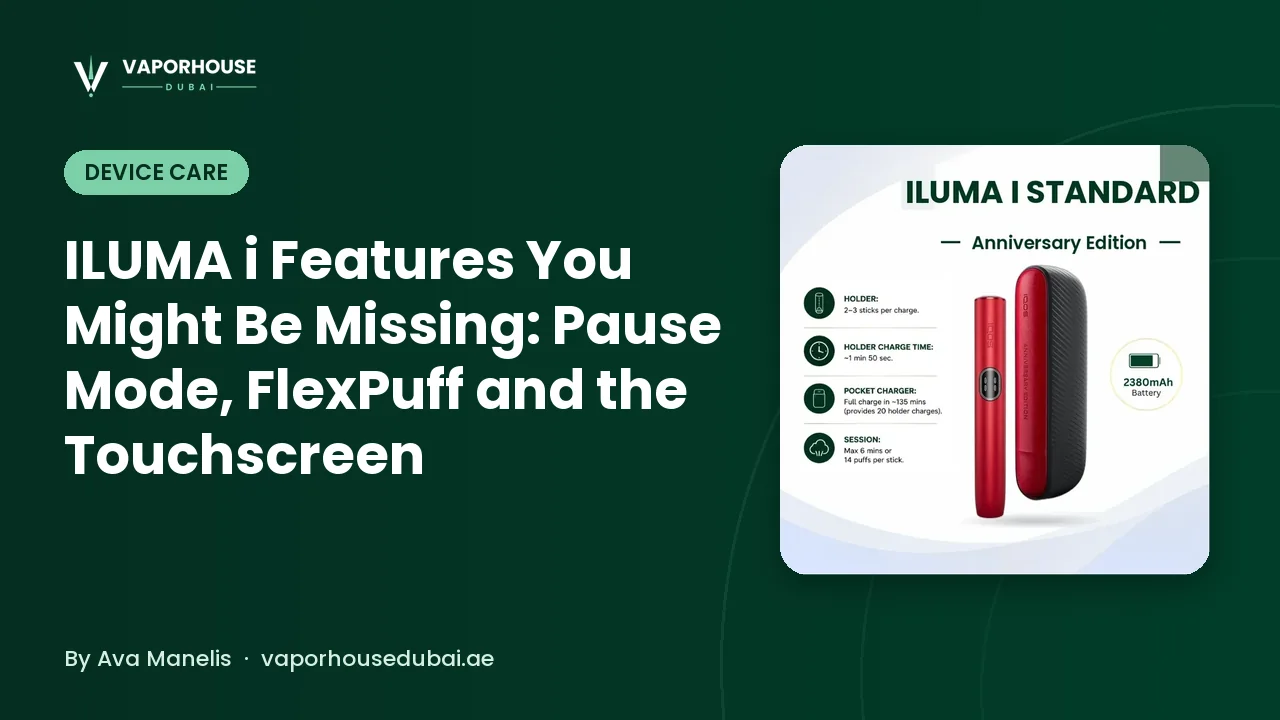
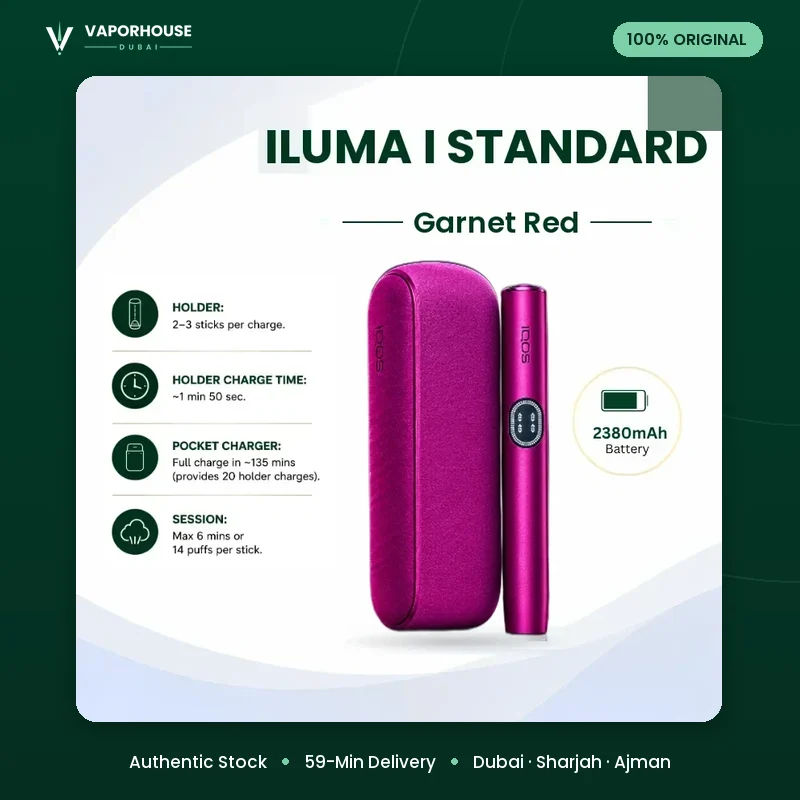
| ILUMA i (Standard) | Holder plus pocket charger | Touch screen, Pause Mode, FlexPuff, FlexBattery, Autostart; 2380 mAh charger, about 20 holder charges | AED 230 |
| ILUMA i PRIME | Holder plus premium wrap-style charger | Touch screen with light guide, Pause Mode up to 8 minutes, FlexPuff and FlexBattery, USB Type-C | AED 340 |
The simplest rule: the two-piece devices, the ILUMA i Standard range and the ILUMA i PRIME collection, carry the full feature set. The compact ILUMA i ONE series trades some of those extras for a lighter, simpler package and a lower price. In particular, Pause Mode is a feature of the ILUMA i and ILUMA i PRIME, not the ILUMA i ONE.
Pause Mode: Stopping a Session Without Wasting the Stick
On earlier devices, once you started heating a TEREA stick the clock kept running. If your phone rang or your order arrived at the counter, you either rushed the stick or lost it. Pause Mode exists to solve exactly that.
How it works in general
Mid-session, you activate pause (typically from the holder or the touchscreen, depending on model), and the device holds the session instead of ending it. For the ILUMA i PRIME Together X, our product specs list Pause Mode at up to 8 minutes. When you resume, the session picks up again, so the remaining puffs are still there for you. If you leave it paused beyond the limit, the session ends as normal.
When it genuinely helps
- Short interruptions: a call, a quick reply to a message, collecting a delivery at the door.
- Moving between spaces: stepping out of a designated area to walk back to the car or into a mall entrance.
- Pacing: some people simply prefer a slower session with a breather in the middle.
Pause Mode is not designed to save half a stick for tomorrow. Think of it as a few minutes of grace, not storage. And of course, respect local rules on where you can use a device; pausing does not change that.
FlexPuff: A Session That Follows Your Rhythm
Everyone puffs differently. Some people take quick, frequent draws; others are slow and deliberate. On a fixed-timer device, the slow puffer often finishes with puffs left over, while the fast puffer runs out of puffs before the timer ends.
FlexPuff is designed to adapt the session to your puffing behaviour rather than holding everyone to the same rigid count and timer. In general terms, the device reads how you are using the stick and adjusts accordingly, so the session tends to feel less rushed if you take your time. Our catalogue lists a standard session at up to 6 minutes or 14 puffs on the Galaxy Blue Limited Edition, which gives you a sense of the baseline FlexPuff works around.
The exact logic is not something PMI publishes in detail, and it can vary with firmware, so we will not pretend to know the precise numbers. What you will notice in practice is that you do not need to watch the vibration cues as anxiously as you might have on older devices. If you prefer a fixed experience, check the IQOS app or your settings menu; on some models FlexPuff can be toggled.
FlexBattery: Choosing Between Endurance and Back-to-Back Use
FlexBattery lets you choose how the holder and charger use their energy. Broadly, there are two personalities:
- Performance mode: for people who like to use one stick after another. The ILUMA i PRIME Together X specs list up to 3 back-to-back sessions from the holder in this mode.
- Eco mode: a gentler mode intended to look after long-term battery condition, at the cost of fewer consecutive sessions before the holder needs to dock again.
Which one suits you depends on habits. If you tend to use the device occasionally across the day, Eco mode is a sensible default. If you are at a long dinner and like two in a row, Performance mode avoids the wait for the holder to recharge. Switching is done through the device menu or the IQOS app, and you can change your mind any time.
For more on keeping the battery healthy over months of use, our guide to ILUMA i battery habits covers charging routines, and why letting a device bake on a car dashboard in July is a bad idea.
The Touchscreen: More Than a Battery Gauge
The ILUMA i Standard and PRIME chargers have a small touchscreen that replaces the guessing game of LED patterns. It is where many of the features above live.
What you can usually see and do
- Check remaining charge on the pocket charger and the holder.
- See whether you are in Eco or Performance mode.
- Access settings such as Autostart, FlexPuff and Pause without opening an app.
- Read basic status messages, for example when the device needs cleaning or charging.
The PRIME versions add what our specs describe as a light guide around the screen, which makes status easier to read at a glance. The exact menu layout varies by model and firmware, so spend five minutes tapping through it on day one. It is a far better use of time than discovering a feature six months in.
Autostart and Other Quiet Conveniences
Autostart is the feature you notice least because it simply works: insert a TEREA stick and the holder begins heating without a button press. Some people love it; others find it starts when they are only checking a stick is seated. Like most settings, it can usually be turned off in the menu or the app.
Other details worth knowing:
- Bladeless induction: every ILUMA i uses SMARTCORE induction with no heating blade, so there is nothing to snap and no tobacco residue baked onto a blade. Cleaning is about wiping the cavity and cap, not scraping.
- TEREA only: induction heating works with the metal element inside TEREA sticks, so older HEETS will not work. Browse the full TEREA flavour range if you are stocking up for a new device.
- Charging: the ILUMA i ONE charges fully in around 90 minutes; Standard and PRIME in roughly 135 minutes, according to our product listings.
Getting the Most From These Features Day to Day
A few habits help the features do their job:
- Pair with the IQOS app once. Bluetooth connection via the app is the easiest way to see all toggles and receive firmware updates, which can refine how features behave.
- Pick a battery mode deliberately. Do not leave it on whatever the factory chose; match it to how you actually use the device.
- Use Pause instead of rushing. If you are interrupted, pause. It is what the feature is for.
- Keep it clean. Sensors and contacts work best when free of debris. Our weekly ILUMA i care routine takes under five minutes.
If you are still choosing a device, the decision usually comes down to whether Pause Mode and the touchscreen matter to you. If they do, a two-piece model like the ILUMA i PRIME Together X or a Standard is the way to go. If you want something pocketable and simple, the ONE is hard to argue with.
Frequently Asked Questions
Does the ILUMA i ONE have Pause Mode?
No. Pause Mode is available on the ILUMA i (Standard) and ILUMA i PRIME. The ILUMA i ONE is a simpler all-in-one design without that feature.
How long can I pause a session on ILUMA i?
Our listing for the ILUMA i PRIME Together X specifies Pause Mode of up to 8 minutes. After that the session ends as normal, so it is meant for short interruptions.
Can I turn off FlexPuff or Autostart?
On most two-piece models these settings can be changed through the device menu or the IQOS app. Options can vary with firmware, so check your own device's settings.
What is the difference between Eco and Performance mode?
Performance mode allows more back-to-back sessions from the holder, while Eco mode is intended to look after the battery over the long term with fewer consecutive sessions.
Do I need the IQOS app to use these features?
No, the touchscreen on the Standard and PRIME gives access to the main settings. The app is useful for firmware updates and seeing every option in one place.
Ready to Try the Full Feature Set?
Whether you want the convenience of Pause Mode or the simplicity of the ONE, Vaporhouse Dubai stocks authentic, factory-sealed ILUMA i devices with delivery in about 59 minutes across Dubai, Sharjah and Ajman, and 12–24 hours elsewhere in the UAE. Orders over AED 299 ship free, and you can pay by cash or card on delivery. Have a question about which model suits you? Get in touch with our team or message us on WhatsApp. For adults 18+ only.